Appearance
Adding Styled Buttons
Styled buttons have the same CSS styling as other app buttons (e.g., NEW ROW button, BULK ACTIONS button, etc.).
Styled buttons can be used in computed fields and hooks using the wpda.button() function. Use the callback to implement your own custom action.
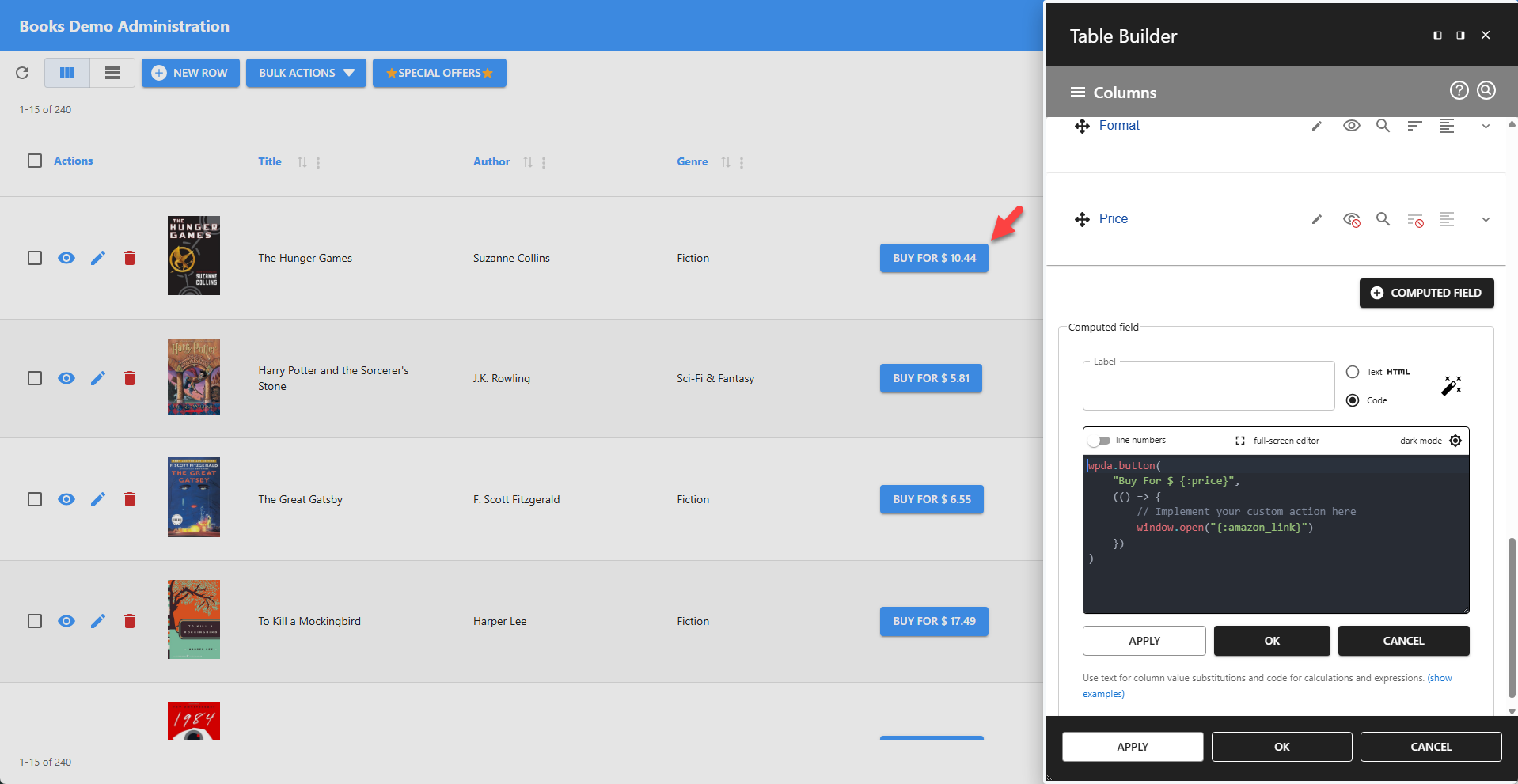
✨ Example: Adding a Styled Button Using a Computed Field
js
wpda.button(
	"Buy For $ {:price}",
	(() => {
        // Implement your custom action here
        window.open("{:amazon_link}")
    })
)
📌 The computed field must be of type Code.
📌 Allow inline HTML must be enabled.
💡 Screenshot Showing the Styled Buttons
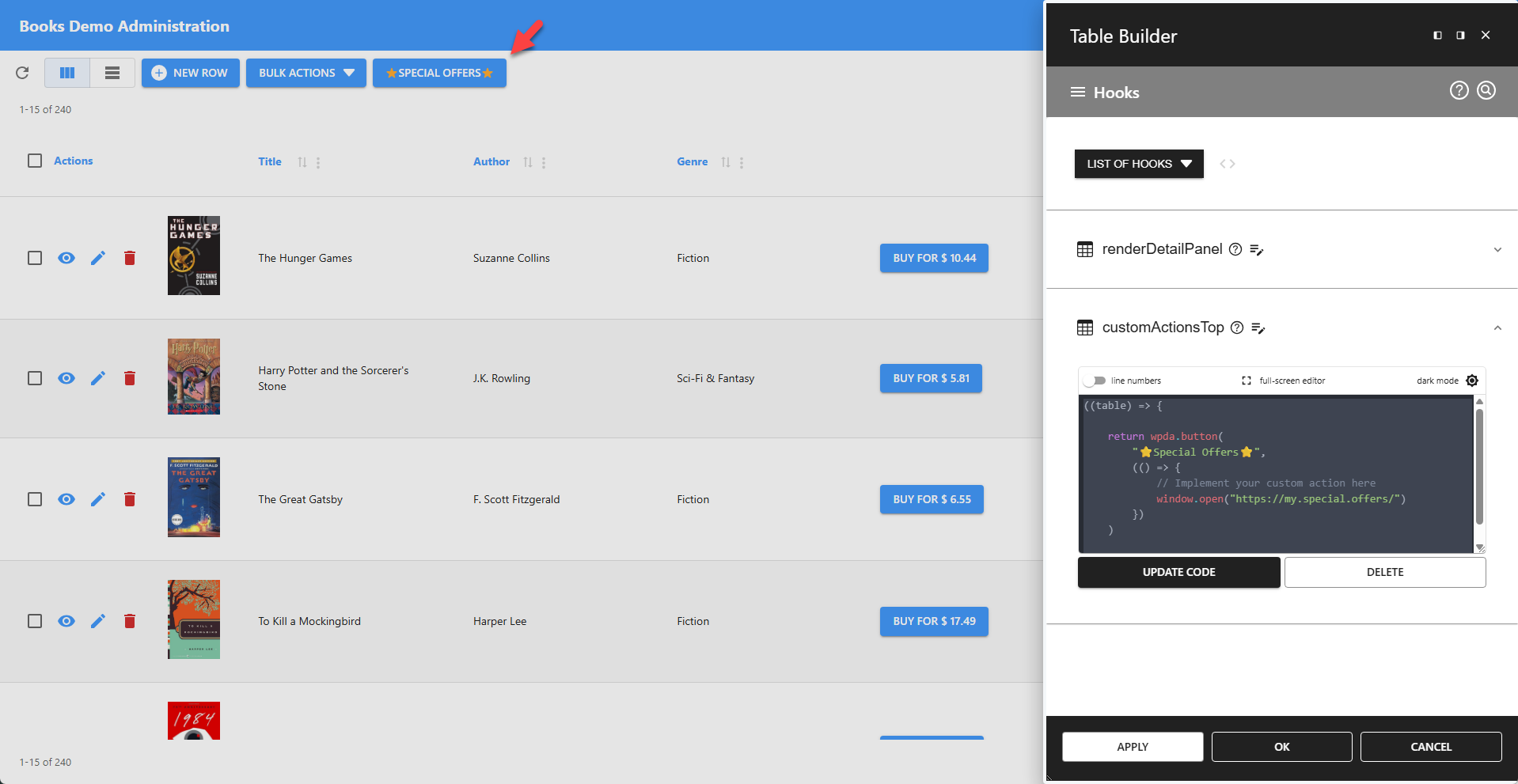
✨ Example: Adding a Styled Button Using a Hook
This example uses the
customActionsStophook, but the approach also works for other hooks.
js
((table) => {

	return wpda.button(
    	"⭐Special Offers⭐",
    	(() => {
            // Implement your custom action here
            window.open("https://my.special.offers/")
        })
    )

})
💡 Screenshot Showing the Styled Button