Appearance
Overview
Widget Settings are only available in Widget Mode!
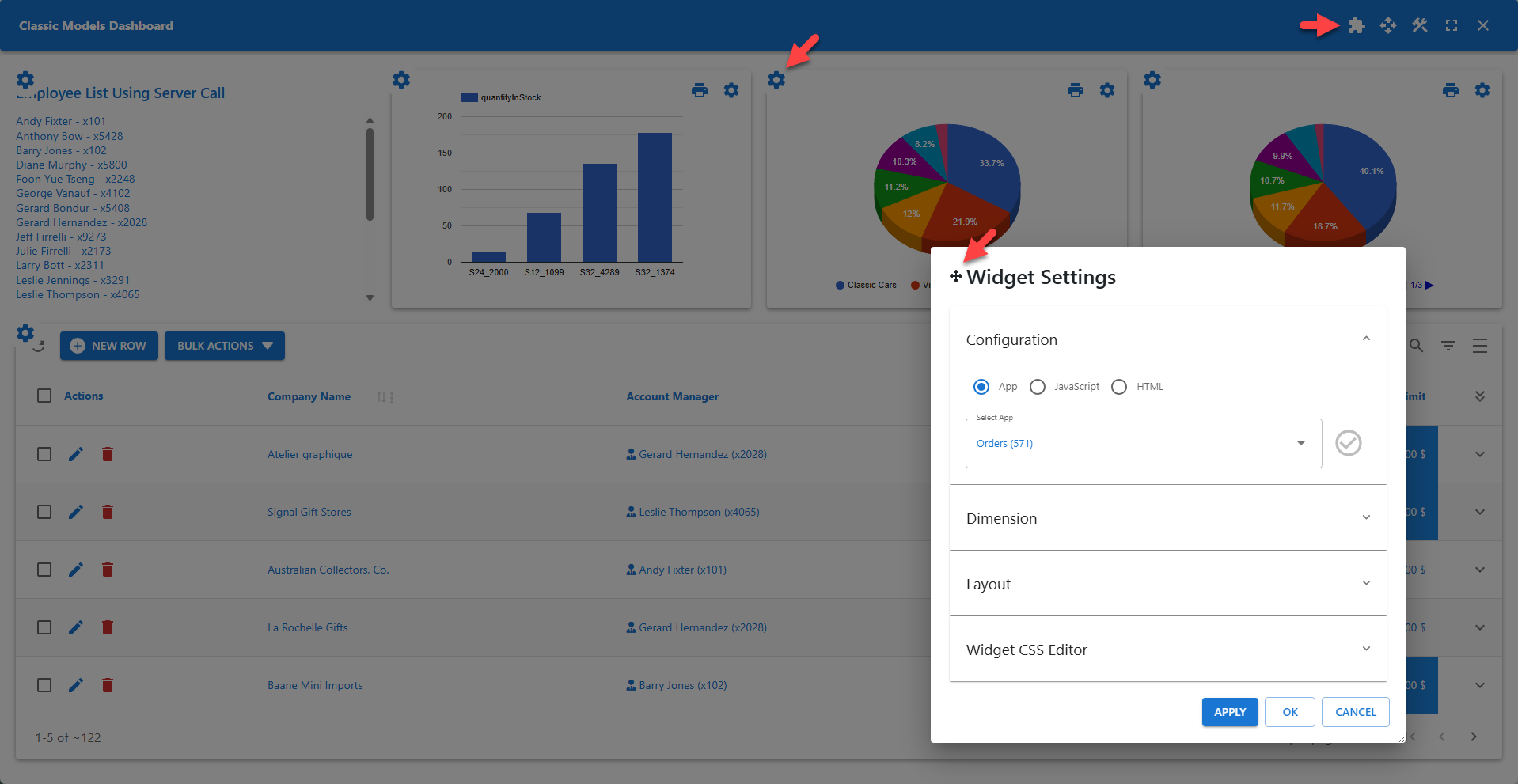
The Widget Settings dialog allows administrators to configure a widget and change the widget's dimensions and layout.
📌 Click the Widget Mode icon on the toolbar to activate Widget Mode.
📌 Click the Widget Settings icon on the top left of a widget to open the Widget Settings dialog.