Appearance
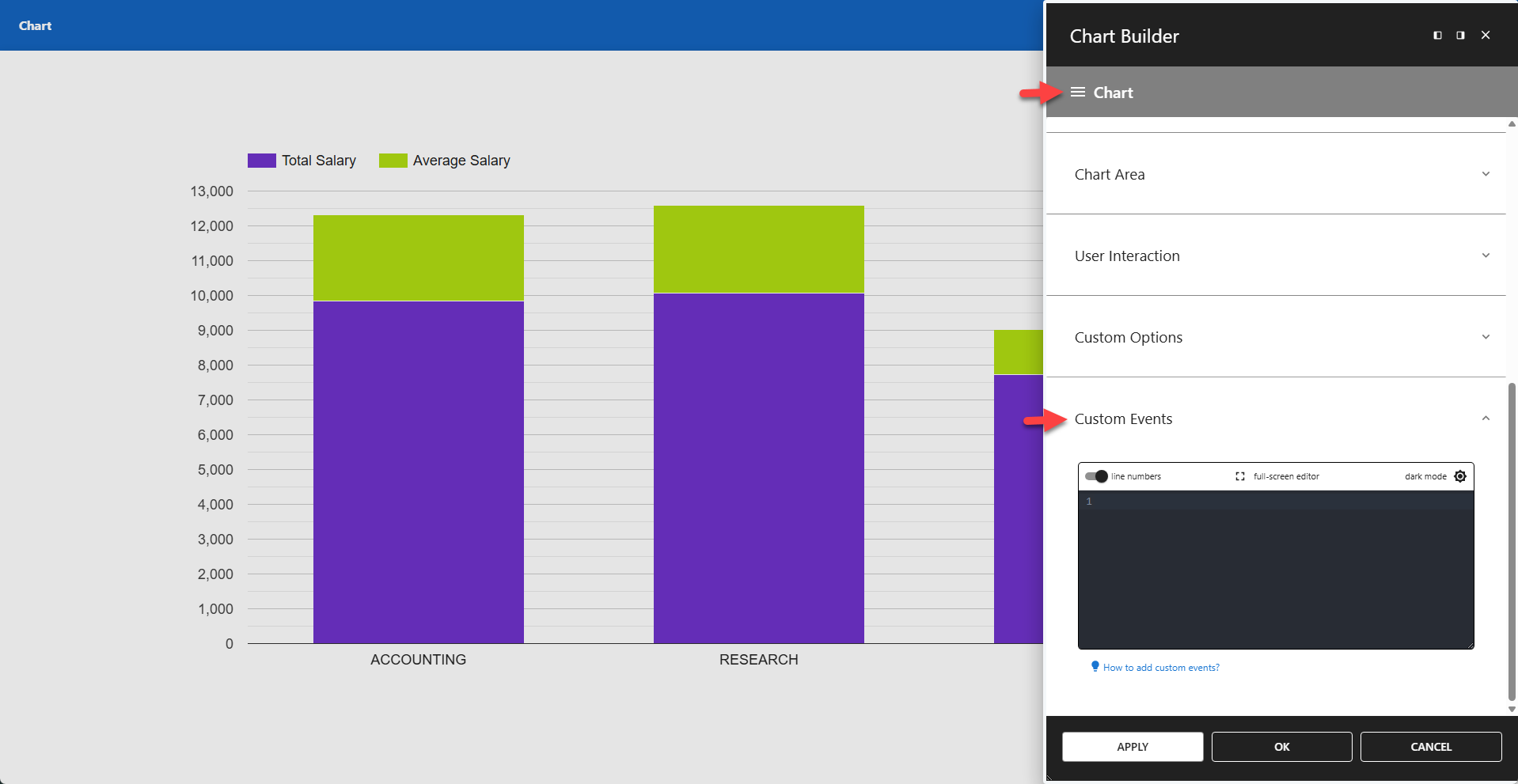
Custom Events
This experimental feature allows users to add interactivity to chart apps.
Custom events must be provided as JavaScript code.
Google Event Names
The custom events section supports three standard Google Charts event names:
selectreadyerror
The starter template contains a minimal setup with all Google Charts events. To insert it, view the hint and click the link below the editor to write the starter template to your editor.
✨ Starter Template
js
return [
	{
		eventName: "select",
		callback() {
			console.log("Selected", chartWrapper?.getChart()?.getSelection())
		},
	},
	{
		eventName: "ready",
		callback() {
			console.log("Chart ready", chartWrapper?.getChart())
		},
	},
	{
		eventName: "error",
		callback(args) {
			console.log("Chart error", args)
		},
	},
]
Custom Event Names
You can also add your own events, each with a unique event name and its own functionality. These events can have any name, as long as it is not a Google Charts event name.
✨ Example Refresh Chart Every 5 Seconds
This example updates the chart every 5 seconds.
If the interval is too short, the chart may refresh before you can save your changes. In that case, start the app in safe mode to disable the event.
js
return [
	{
		eventName: "refresh",
		callback(args) {
			let intervalId = setInterval(
				function() {
					if (document.getElementById(args.containerId) !== null) {
						loadChartData();
					} else {
						clearInterval(intervalId);
					}
				},
				5000
			);
		},
	},
]