
Appearance
Widget CSS Editor
Allows administrators to style the widget with custom CSS.
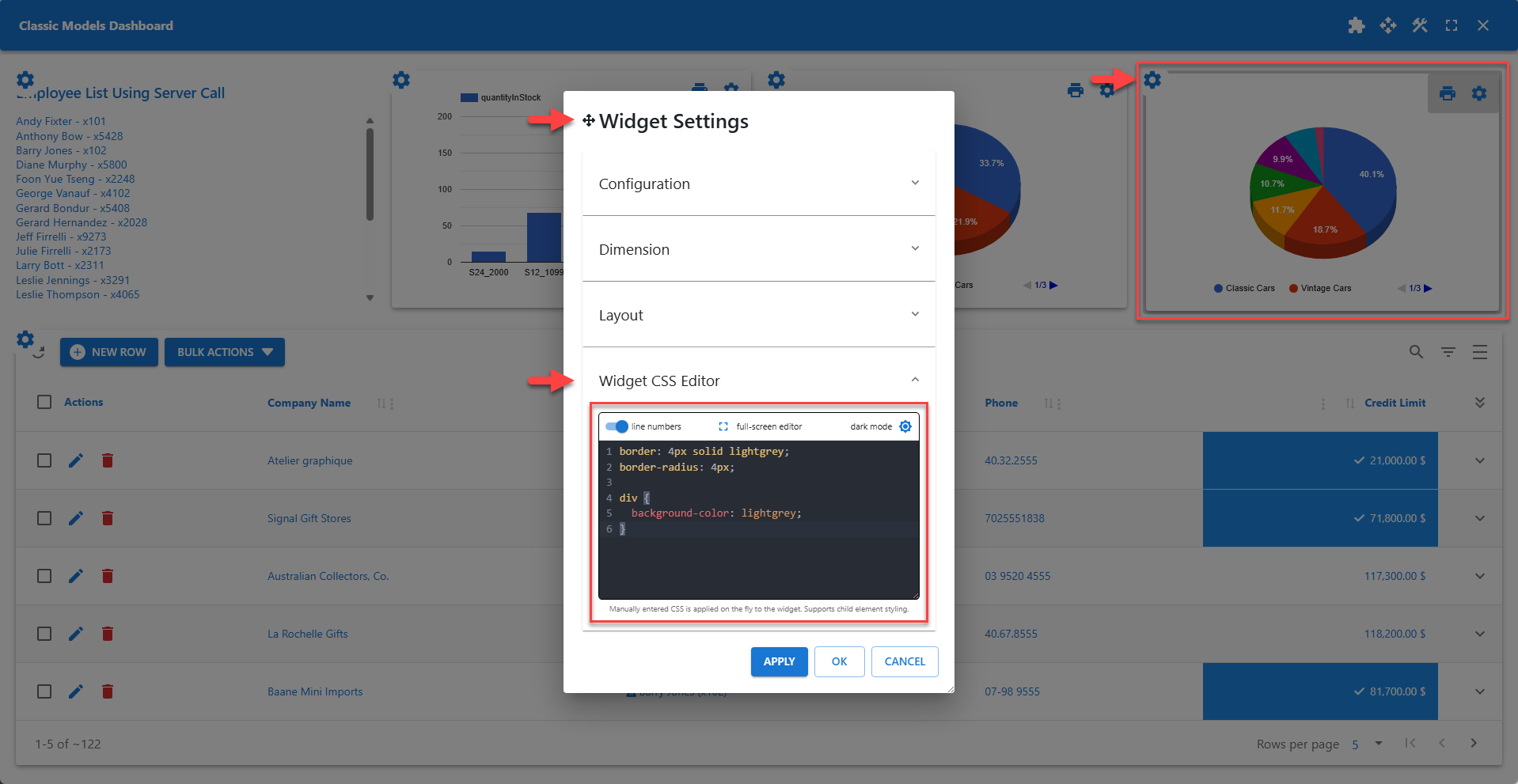
The Widget CSS Editor allows administrators to add scoped CSS rules to the widget. This editor also supports scoped child element styling.
✨ Example Styling Child Elements
The div element is the element that contains the print and settings icon on the widget. The CSS defined in the example adds a light grey background color to the element as shown on the screenshot above.
css
border: 4px solid lightgrey;
border-radius: 4px;

div {
  background-color: lightgrey;
}
📌 Scoped CSS applies to the current widget only. It does not affect other elements in the browser.