
Appearance
Grid CSS Editor
Allows administrators to style the grid with custom CSS.
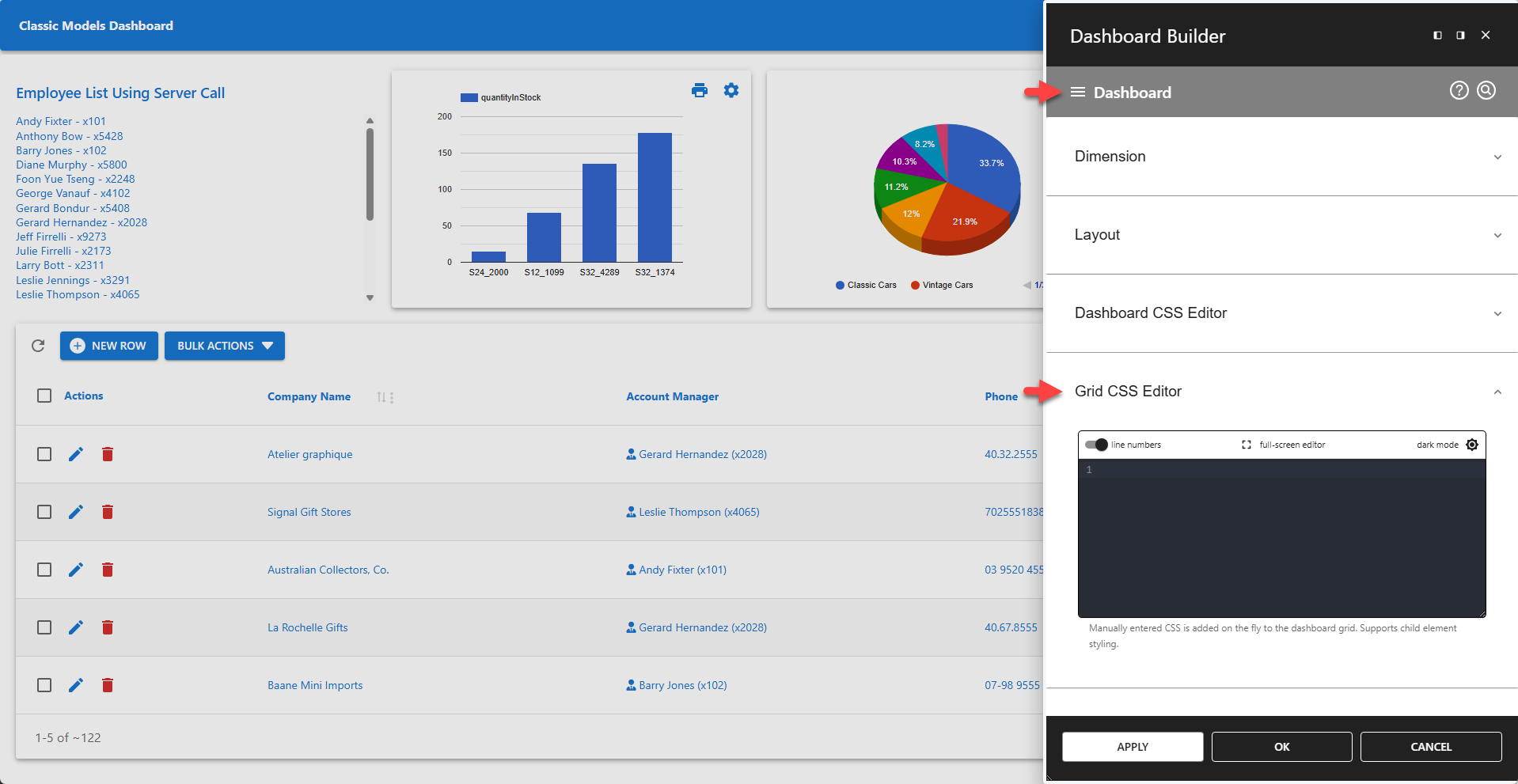
The Grid CSS Editor allows administrators to add scoped CSS rules to the dashboard grid. This editor also supports scoped child element styling.
✨ Example using Flex instead of Grid
The following example turns the grid into a flexbox. The first CSS rules are applied to the grid container (which is now a flexbox container). The other CSS rules are applied to child elements of the grid container.
css
display: flex !important;
gap: 0 !important;
flex-wrap: wrap;

> div {
  flex: 0 0 25%;
  box-sizing: border-box;
}

> div:nth-of-type(5) {
  flex: 0 0 100%;
  box-sizing: border-box;
}
✨ Example Styling Child Elements
css
h3 {
	font-size: 28px;
	font-weight: 900;
}

div {
	margin: 30px 0;
}
📌 Scoped CSS applies to the current dashboard only. It does not affect other elements in the browser.